
Studios
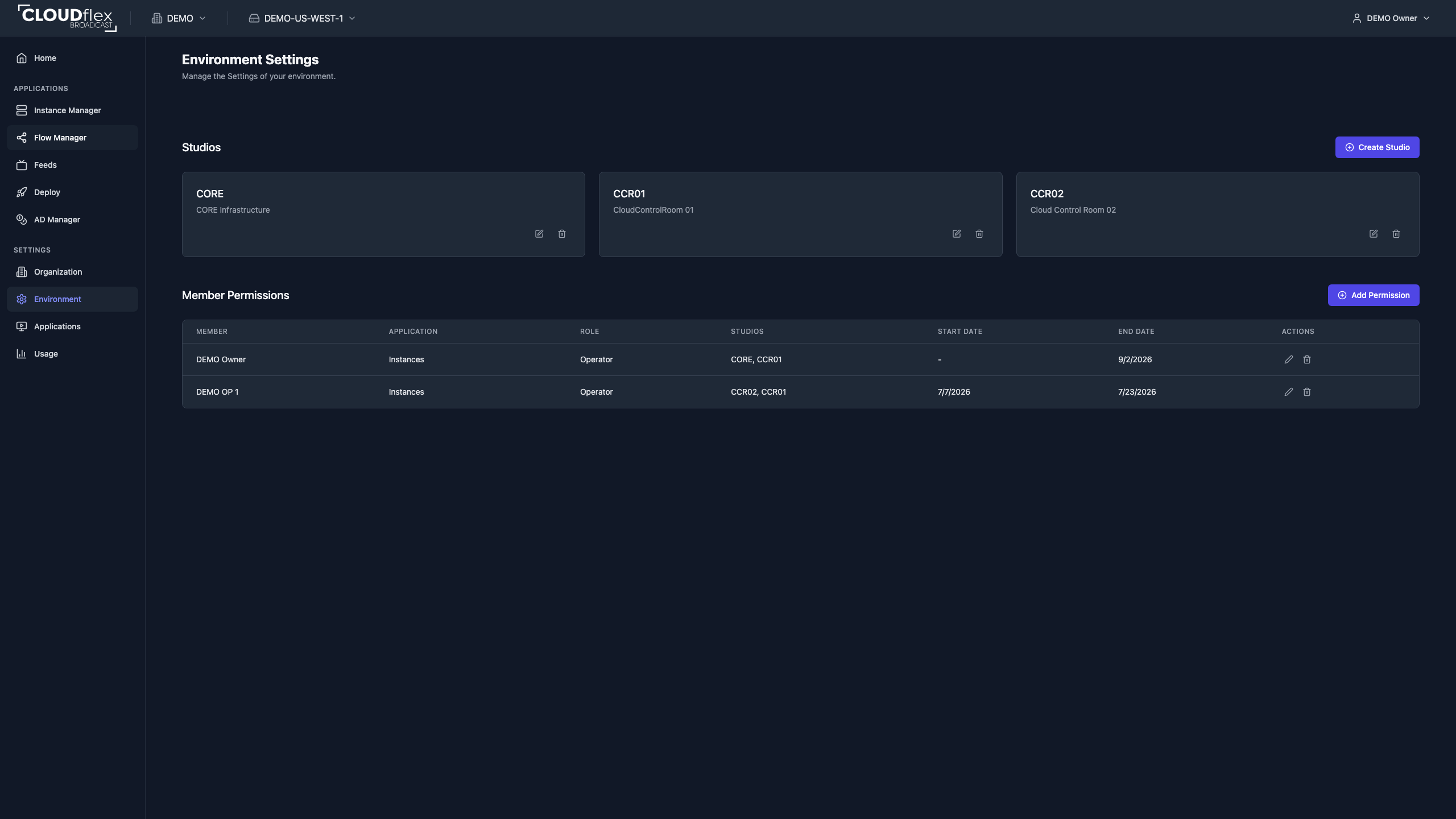
A studio is a logical group used to organize instances and feeds and to scope member permissions. It can represent a show, client, control room, or another boundary meaningful to your team.
Create or Edit a Studio
Section titled “Create or Edit a Studio”- Open Environment Settings.
- Under Studios, select Create Studio.
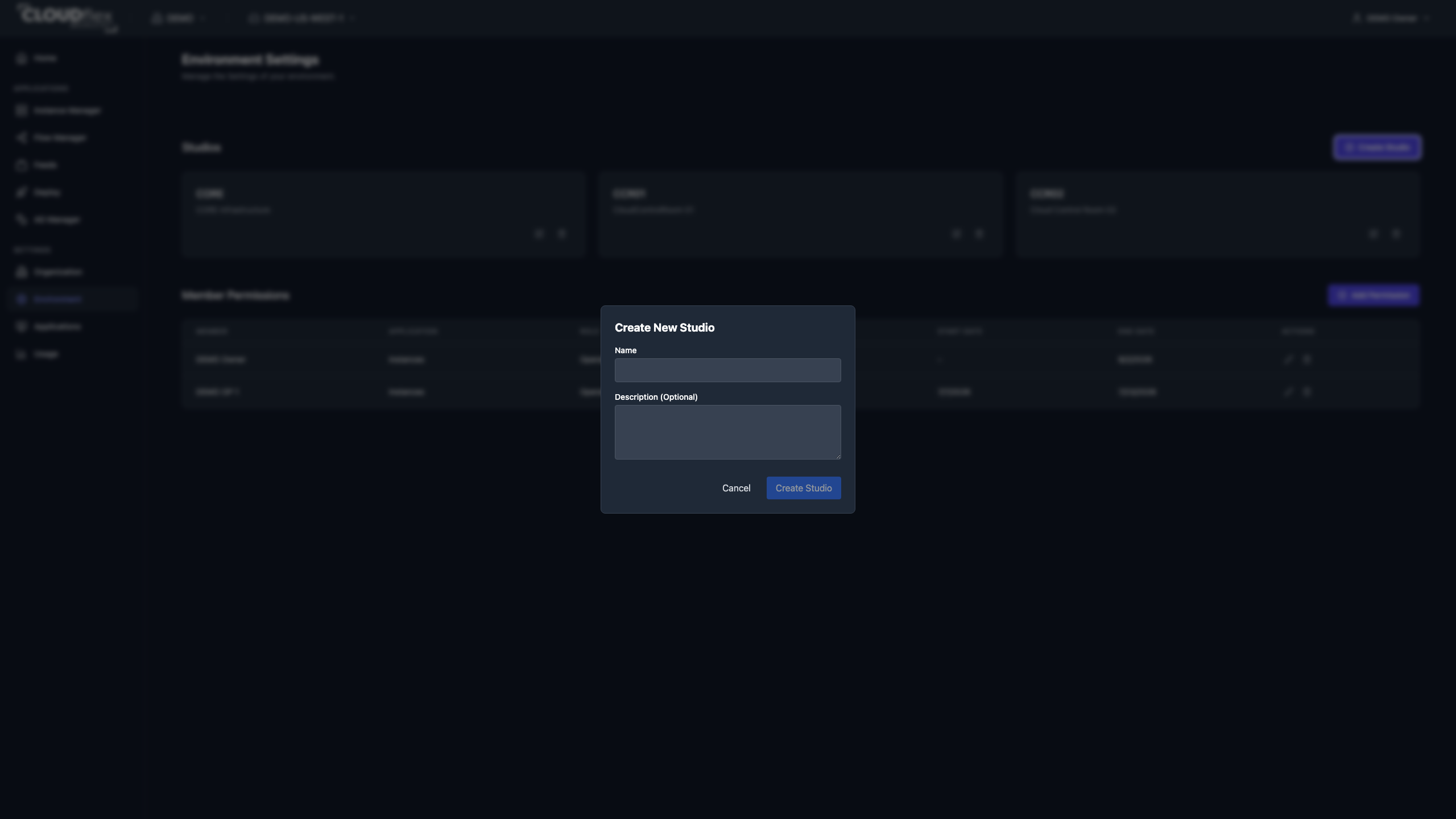
- Enter a name and optional description.
- Select Create Studio.
Use the edit action on a studio card to change its name or description. Use Instance Manager to assign instances to studios. Feed assignments are maintained with the feed.
Deleting a studio removes the grouping. Review assigned resources and permissions before deleting it.