
Applications and credentials
Open Applications after selecting the environment. The page shows Instance Manager, Feed Manager, Flow Manager, and Deploy Manager as enabled or not enabled.
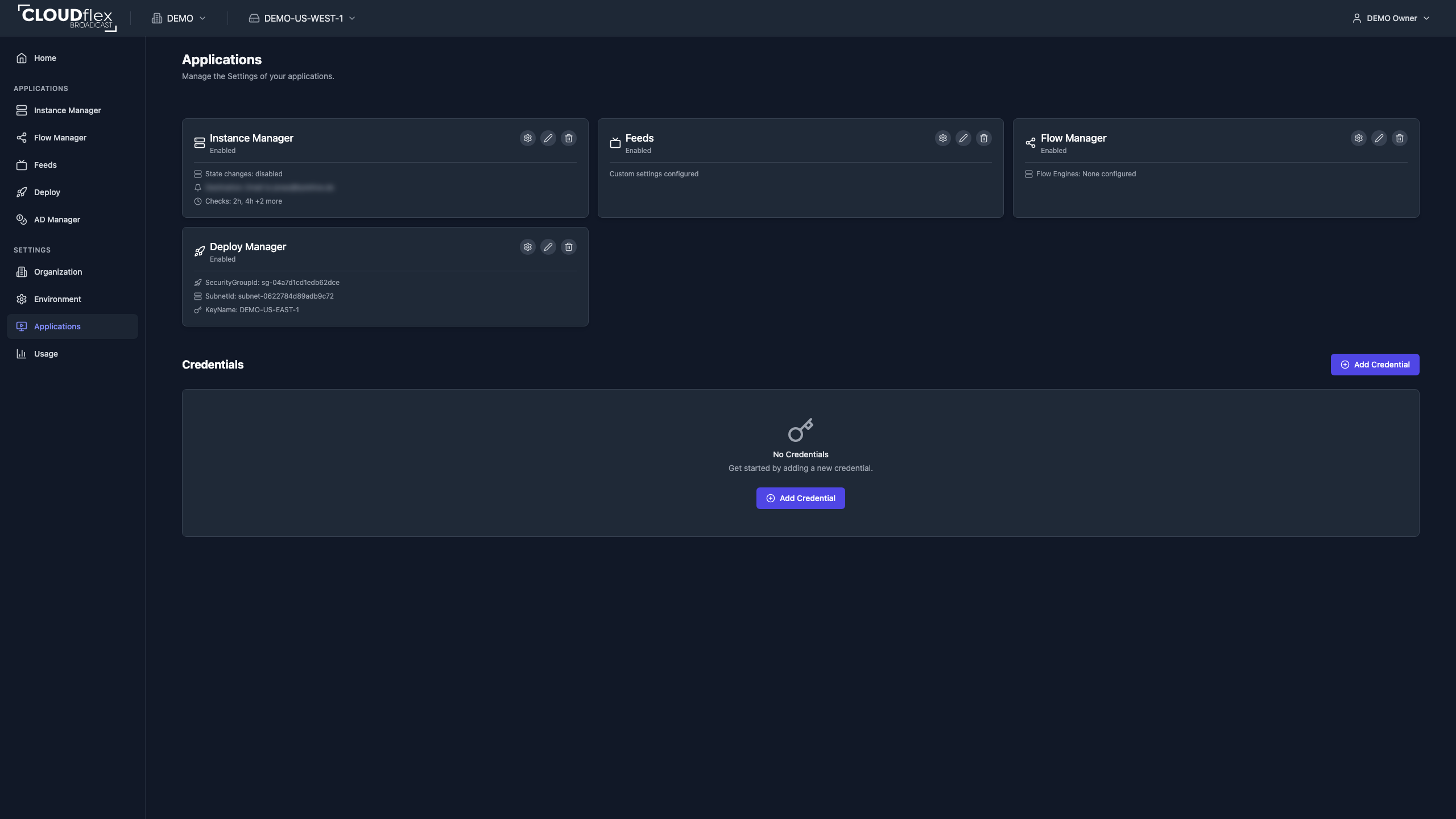
Enable an Application
Section titled “Enable an Application”- Find the application card.
- Select Enable.
- Open Application Settings and complete the settings shown for that application.
- Test the application before assigning it to operators.
The edit action changes application metadata. Deleting an application removes it from the environment and may remove access to its configuration, so confirm dependencies first.
Add a Credential
Section titled “Add a Credential”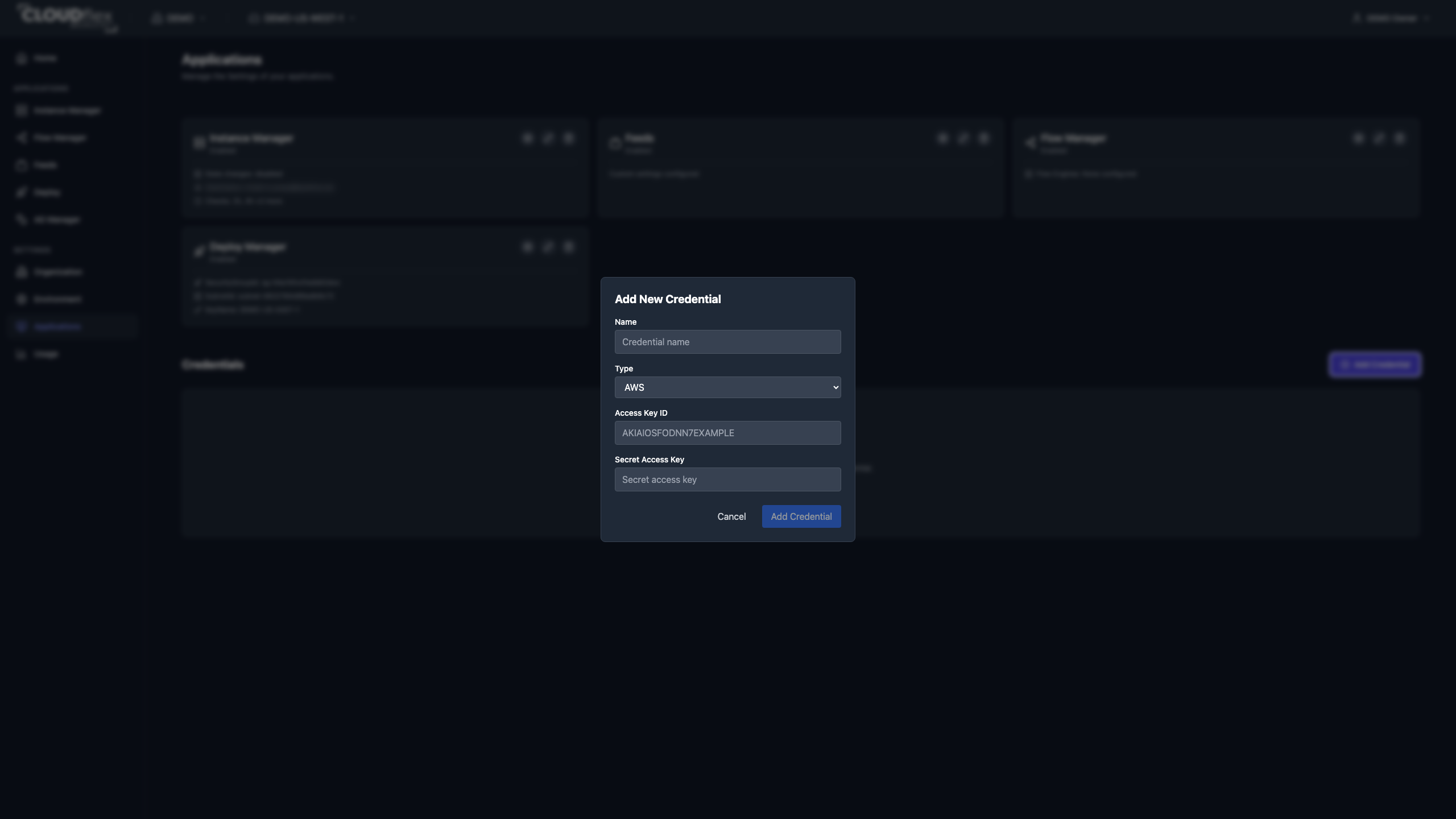
Prepare WMSPanel API access
Section titled “Prepare WMSPanel API access”Before adding a WMS Panel credential, allow API requests from both CLOUDflex backend outbound CIDR ranges:
74.220.48.0/2474.220.56.0/24- In WMSPanel, open Control, then API setup and the Pull API tab.
- Add each CIDR range shown above to the API whitelist.
- Save the WMSPanel settings.
WMSPanel checks the source IP of each API request. CLOUDflex may send requests from any address in either range, so allowing only one address can cause intermittent failures.
Add the credential to CLOUDflex
Section titled “Add the credential to CLOUDflex”- Under Credentials, select Add Credential.
- Enter a descriptive name.
- Select AWS or WMS Panel.
- Enter the key ID and secret.
- Select Add Credential.
Choose the credential type
Section titled “Choose the credential type”- AWS authorizes CLOUDflex to perform the approved cloud operations for a self-hosted AWS environment.
- WMS Panel connects Flow Manager to WMSPanel, the management service used to configure Nimble Streamer. CLOUDflex uses the key ID and secret to manage the signal-processing configuration on a Nimble-based flow engine.
Credentials are scoped to the active environment. Studio does not display the secret again. Rotate credentials in the source system and Studio according to your organization’s security process, and delete credentials that are no longer used.